 CBFS Connect
 CBFS Filter
 CBFS Encrypt
 PCAP Filter
 CBFS Sync
 CBFS Vault
 CBFS Shell
 SFTP Drive
 AES Drive
 DAV Drive
 S3 Drive
 NFS Drive
 Azure Drive

M365 Drive
Easily connect to your SharePoint service via a local virtual drive. Browse and interact directly with your remote files like they are on your local machine.
Download beta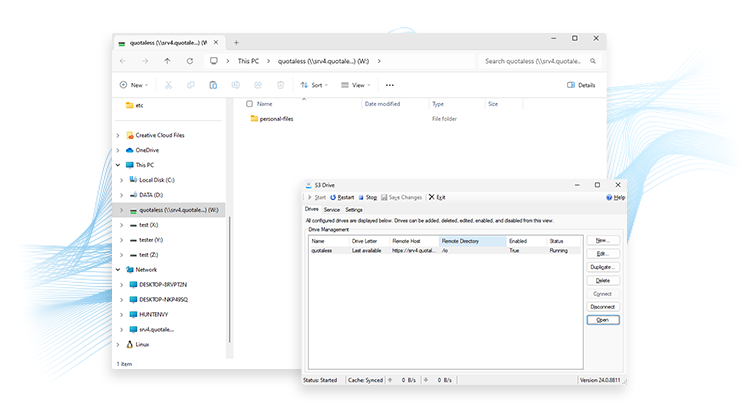
Work With SharePoint as a Local Virtual Drive
M365 Drive allows you to access your access your SharePoint data as though it were stored on a local drive. A simple and lightweight utility, it streamlines remote file management without any need for uploads, downloads, copies, or logins.
After mounting a virtual drive with M365 Drive, you can more quickly and easily manipulate your remote files. M365 Drive eliminates the need to upload and download files in order to access and edit them, and the mounted drive extends the convenience and familiarity of your local file system to include SharePoint.
As you create, open, read, write, rename, delete, and move the files in your virtual drive, M365 Drive quickly and invisibly communicates with SharePoints so that you can work with remote files as if they were local.